Einfach in den Text einfügen.
© Copyright 2012 - <script>document.write(new Date().getFullYear());</script>Einfach in den Text einfügen.
© Copyright 2012 - <script>document.write(new Date().getFullYear());</script>Mit WordPress den Datenschutz wahren: Tipps & Ratschläge hier! Lesen Sie z.B. wie Sie für WordPress eine Datenschutzerklärung verfassen inkl. Muster!
Ist einfaches Fotografien nach der DSGVO problematisch? Durchaus. Zum aktuellen Stand der Diskussion und den rechtlichen Hintergründen gibt es nun eine Stellungnahme der Datenschutzbehörde aus Hamburg. Sie zu lesen lohnt sich.
Quelle: Fotografieren im Blitzlicht der DSGVO – Behörde schafft Klarheit
DSGVO Fotografie bald noch möglich? Dabei verbreitet sie nicht nur bei DSGVO für Fotografen Angst und Schrecken. Doch keine Sorge, denn mit meinem Guide wird auch Deine Website DSGVO Konform. Finde Tutorials, Videos, Listen und Linklisten zu den wichtigsten Angelegenheiten im Bezug auf die DSGVO Fotografen.
Und soll ich weiterhin IPs speichern?
Quelle: Die DSGVO und der WordPress-Core: Wohin geht die Reise?
Checkbox für Datenschutzhinweise für WordPress-Kommentare ohne Plugin realisieren.
Quelle: Datenschutz-Checkbox für WordPress-Kommentare manuell einbauen
UPDATE wp_comments SET comment_author_IP = ‚ ‚;
Quelle: So entfernst du die IP Adresse bei WordPress Kommentaren – WP Ninjas
I have huge respect for the Gutenberg team, who have not only had to rethink everything and do all those difficult things I referred to before, but have had to do it all very publicly, while navigating a gauntlet of criticism, personal attacks, and much more. Flipping the phrase from The Dark Knight, the members of the Gutenberg team are “the heroes the WordPress community needs right now, even if they’re not the ones we deserve.”
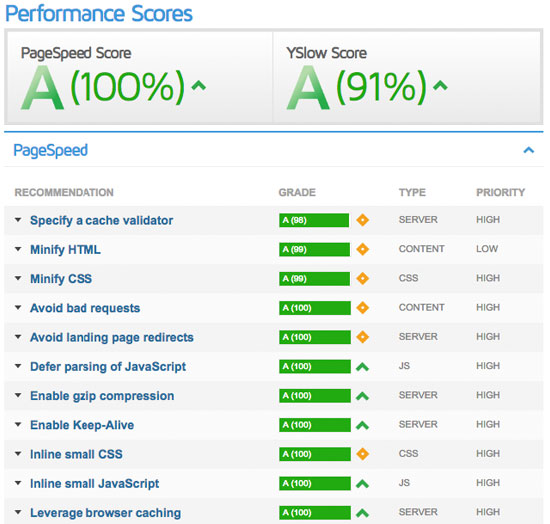
When it comes to optimization, Avada plays a much smaller part than you would imagine. Avada is optimized so that it’s fast on it’s own, but ultimately, user content will dictate how fast your site will perform. Images play a huge factor in speed results, as well as hosting, server, extra plugins, content and more.For example, if you have a site that’s 1100px wide and upload a 2000px image on a page, your page speed score will drop heavily. This is because places like Google or GTMetrix will see a 1100px container that unnecessarily has an image on it that is twice it’s size.
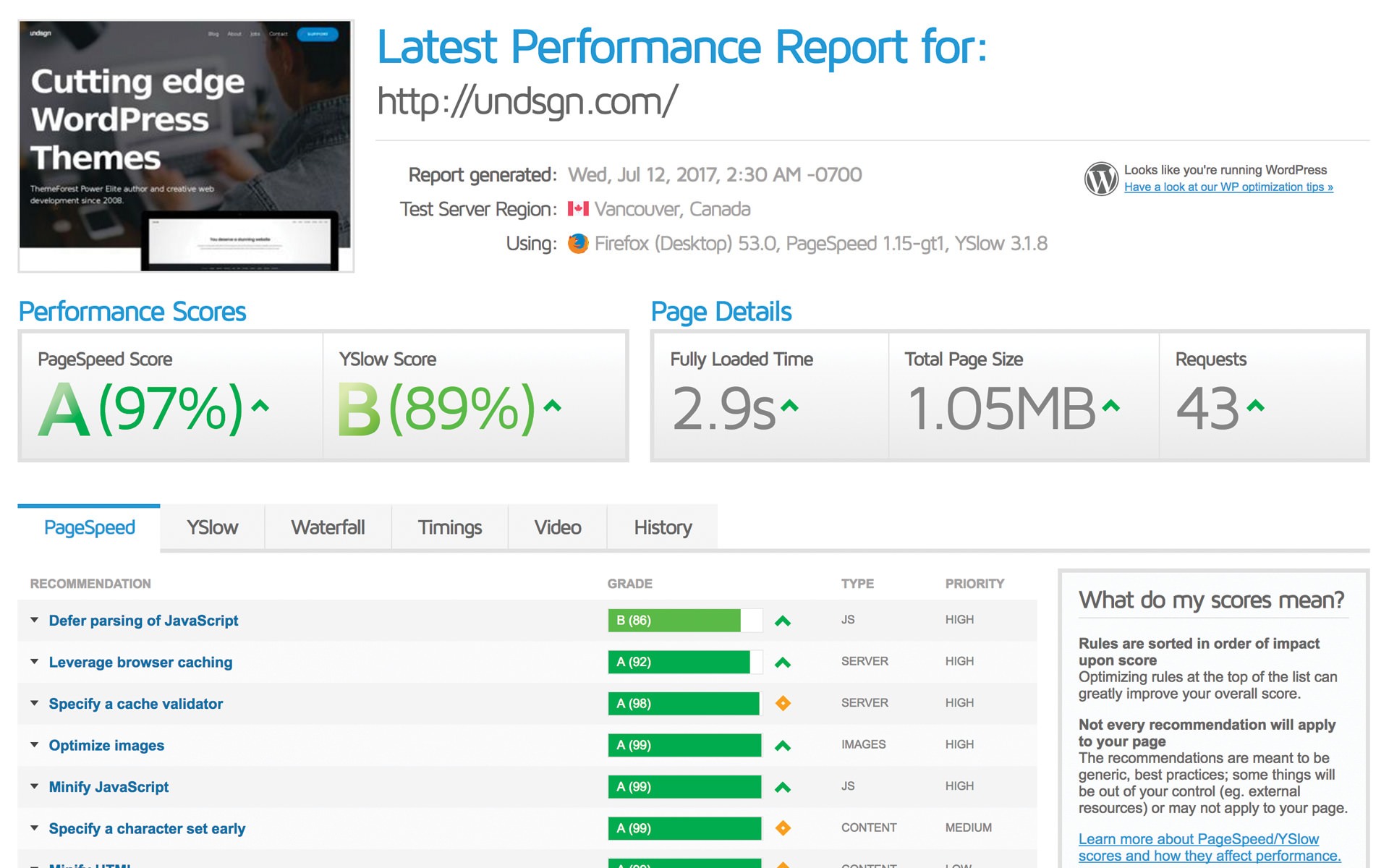
Some WordPress themes users find themselves worried, because after testing their new site with tools such as Google PageSpeed, GTmetrix, and Pingdom, they don’t receive the scores they expected. Alternatively, they may not be well enough informed.
Quelle: Google PageSpeed, GTmetrix & Pingdom – Undsgn – Help Center
WordPress 4.4 will add native responsive image support by including srcset and sizes attributes to the image markup it generates. For background on this feature, read the merge proposal. How it wor…
Quelle: Responsive Images in WordPress 4.4 – Make WordPress Core
WordPress Database Reset plugin allows you to reset your WordPress database to default settings. This is a dream come true for dev sites.
Quelle: How to Reset Your WordPress Database to Default Settings
Wenn man die Site auf dem iPad nach rechts schiebt, erscheint ein weißer Balken. Es gibt mehrere Methoden, das zu unterbinden. Meine ist diese kleine Zeile in der CSS:
html, body { width:100%; overflow:hidden; }
Reducing Image Size Generation The Avada theme generates image sizes for the most important areas, so that images of fitting sizes can be loaded on the frontend instead of always loading the full image size. It may seem like a lot of images, but this reduces loading time considerably on the front end for your viewers. We feel the performance increase is well worth the extra image files. If you would like to change this to your needs, please read the information below. How To Reduce Image Size Generation
Das ist der Code zum Video-einbetten:
<video src="<videoname-mit-pfad>.mp4" poster="<videoname-mit-pfad>.jpg" controls="controls" width="100%" height="auto"></video>
Der Code ist seit Carsten van Ryssen bewährt und führt auch dazu, dass vom Dektoprechner übers iPhione bis zum Handheld überall ein Video gestartet werden kann, ABER bei Avada ist zu beachten:
preload="none" Das stoppt den Ladeprozess nicht nur des Videos sondern auch von allem anderen in der Avada-Seite und so werden beispielsweise die videohinterlegten Zitat-Einschübe bei Johnny nicht geladen.# „I’ve just updated my wp to 4.1 and installed avada theme. Im not able to use my mouse to click in the fusion builder, but am able to use my keyboard, eg using tab and typing. Can anyone help me to resolve this problem? I have no problem using my mouse in my other wp site.“ – „I just fixed it on a site. Here’s the answer from the theme-fusion.com support forum: Change the value of the line 1126 in file: wp-content/plugins/fusion-core/admin/page-builder/assets/css/application.css from: z-index: 1001 !important; to: z-index: 999 !important;“ – „The fix above did not solve the problem.“ – „Solution is to upgrade to Avada there version 3.71 or later – see Themefusion support.“
# … can be obtained with this additional CSS code:
.header-v1 {

background-color: rgba(51, 51, 51, 0.7);

top: 0;

left: 0;

width: 100%;

height: 100%;

}
Text, der ein Titel sein soll, bekommt nicht die Auszeichnung <strong> verpasst, sondern <h1>. Das Vernachlässigen der Besetzung von Formaten, des gegliederten Schreibens erschwert die Querverwendbakeit von Text ungemein und macht „nur mal eben den Text rüberkopieren“ zur stundenlangen Fleißarbeit. Think about it.